Building a community online can be a fantastic way to connect with people who share your interests. When it comes to choosing the right platform for your community, two popular options are Discord and Telegram. Both offer unique features and benefits, making the decision a bit tricky. In this blog post, we'll dive into the differences between Discord and Telegram, helping you decide which one is the best fit for your community building needs.
What is Discord?
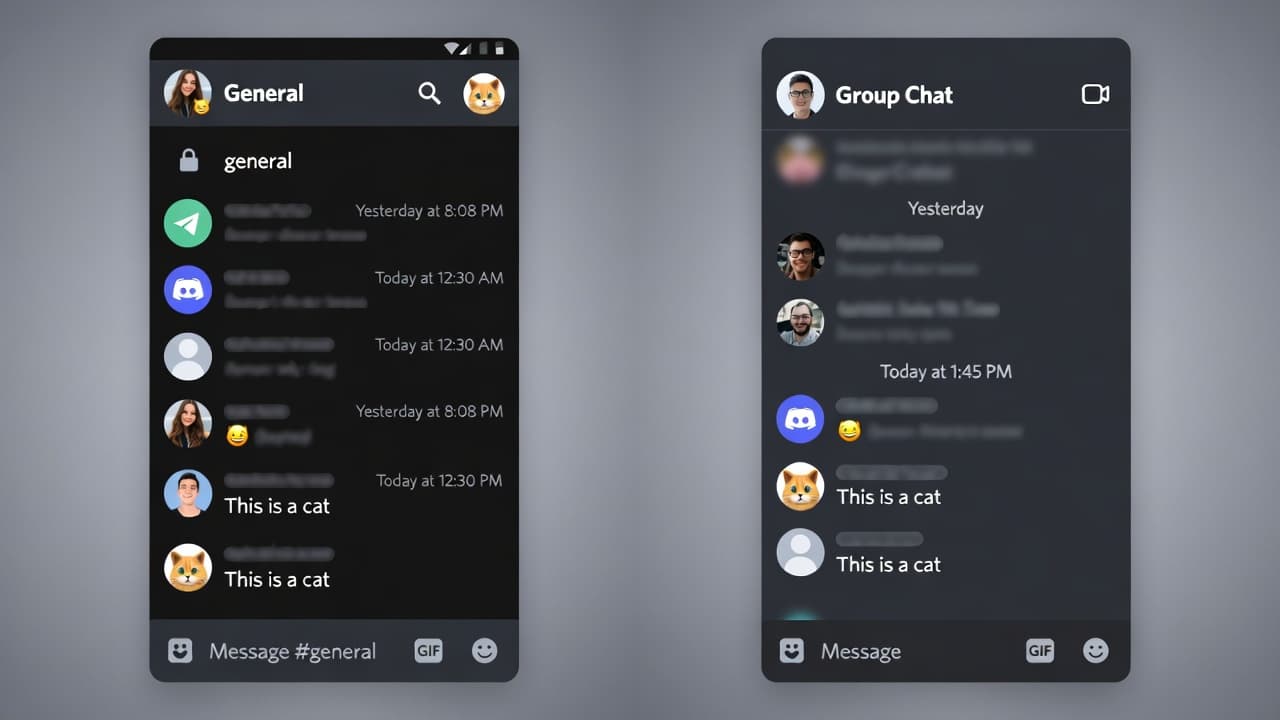
Discord is a communication platform designed for gamers and communities. It offers voice, text, and video chat, making it perfect for real-time interaction. Discord is user-friendly with a vibrant and supportive community.
Key Features of Discord
- Voice Chat: Make voice calls and join voice channels for group chats.
- Text Channels: Create text channels for discussions and sharing information.
- Video Calls: Use the video feature for face-to-face interactions.
- Custom Emojis: Create and use custom emojis to express yourself.
- Servers: Organize members into servers (groups) based on shared interests.
A popular example is the Minecraft server community. Players can join different servers based on the type of gameplay they prefer, such as survival, building, or minigames. They can chat in real-time, share tips, and even collaborate on large projects. This level of interaction and organization is a testament to Discord’s effectiveness in community building.
What is Telegram?
Telegram is a messaging app that focuses on privacy and security. It offers a wide range of features, including group chats, video calls, and file sharing. Telegram is known for its strong encryption and the ability to send large files without worrying about storage limits.
Key Features of Telegram
- Group Chats: Create group chats with up to 200,000 members.
- Video Calls: Make video calls with up to 32 participants.
- File Sharing: Easily share large files without worrying about storage.
- Encrypted Chats: Make your conversations secure and private.
- Channels: Broadcast content to a wide audience.
Real-World Example: The Fandom Community
The Fandom community is another great example. Fans of various franchises can join different channels to discuss their favorite shows, movies, or books. Telegram’s large group size and file-sharing capabilities make it ideal for sharing resources, such as fan art, fan fiction, and guides. The secure and private nature of Telegram ensures that fans can have open and honest discussions without worrying about their privacy.
Comparing Discord and Telegram
Voice Communication
Discord excels in real-time voice communication, making it a top choice for gaming communities and live events. However, Telegram also offers voice calls, though they are not as prominent as Discord's.
Text and Channel Management
Discord offers a user-friendly interface for creating and managing text channels. It’s great for organizing large communities into logical categories. Telegram also has text channels, but they might feel a bit more cluttered.
Video and File Sharing
Both platforms offer video calls, but Telegram excels in file sharing. You can share large files and documents without any storage limits, which is perfect for sharing resources and media.
Privacy and Security
Telegram is known for its strong encryption and privacy features. It’s a great choice if you prioritize security, especially for sensitive information. Discord also has encryption, but it may not be as robust.
User Base and Community
Discord has a vibrant community of users, particularly gamers. It’s a great place to find support and interact with like-minded individuals. Telegram has a broader user base and is popular among professionals and hobbyists.
Pricing
Discord offers a free plan with optional paid plans, which include additional features such as priority support and ad-free browsing. Telegram is free and open-source, making it a cost-effective choice.
First, consider what your community needs. Are you looking for real-time voice communication, or do you prioritize privacy and security? Do you need large group sizes or detailed channel management?
Consider Your Budget
If budget is a concern, Telegram is the clear winner. It’s free and open-source, making it a cost-effective choice. Discord offers a free plan but may require additional paid features for advanced functionality.
Evaluate User Base
If your community includes gamers, Discord is a great choice. It’s specifically designed for gaming and has a large, supportive community. If your community is more diverse, including professionals or hobbyists, Telegram might be a better fit.
Try out both platforms to see which one works best for your community. Many platforms offer free trials or a limited-time free plan, allowing you to test the waters without committing.
Actionable Steps
- Define Your Community Goals: What do you want to achieve with your community? Are you looking for real-time interaction, or do you need a place to share files and resources?
- Evaluate Your Budget: Consider your budget and choose the platform that fits within your financial constraints.
- Test Both Platforms: Sign up for both Discord and Telegram, and try them out. See which one you and your community members prefer.
- Choose Based on Needs: Choose the platform that best meets your community’s needs and goals.
- Engage Your Community: Once you’ve chosen a platform, actively engage your community. Host events, share content, and encourage interaction.
Set Clear Guidelines
Establish clear guidelines for your community. Make it easy for members to understand the rules and expectations. This helps maintain a positive and respectful environment.
Encourage Interaction
Encourage interaction by hosting events, challenges, and discussions. This keeps your community active and
Introduction to Discord and Telegram
Discord and Telegram are two popular platforms used for community building. While both serve the same general purpose, they have different strengths and are suited for different needs. Understanding the differences can help you choose the right tool for your community.
Discord was built primarily for gamers but has since grown to serve a wide range of communities. It offers features like text channels, voice chats, and video calls, making it a versatile choice for online communities.
Example:
Imagine a community of video game enthusiasts. They can use Discord to discuss strategies, share tips, and setup voice chats for real-time gameplay.
Telegram: A Secure Messaging App
Telegram is known for its strong focus on security and privacy. It supports large groups, file sharing, and even bots. Telegram is great for communities that prioritize security and want a more traditional messaging experience.
Example:
Consider a group of activists or professionals who need to share sensitive information. Telegram's end-to-end encryption ensures that messages are secure, making it a preferred choice for such communities.
Key Differences
To help you decide which platform is better for your community, let's look at some key differences.
User Interface and Experience
Discord:
- User Interface: Easy to navigate with a clean and intuitive design.
- Experience: Rich with features like servers, roles, and custom emojis, making it highly customizable.
Telegram:
- User Interface: Clean and straightforward, with a focus on simplicity.
- Experience: Less cluttered than Discord, with a more traditional messaging layout.
Security and Privacy
Discord:
- Security: Good, but not as robust as Telegram's end-to-end encryption.
- Privacy: Offers privacy settings but doesn’t have the same level of security features as Telegram.
Telegram:
- Security: Strong focus on security, with options for end-to-end encryption.
- Privacy: Offers high levels of privacy with strong encryption and anonymity features.
Discord:
- Tools: Robust moderation tools, including muting, kicking, and role management.
- Customization: Customizable roles, welcome messages, and integration with external apps.
Telegram:
- Tools: Basic moderation tools, but less advanced compared to Discord.
- Customization: Limited customization options, but still functional for managing a community.
File Sharing and Storage
Discord:
- Feature: Limited file sharing, with a max file size of 8 MB.
- Storage: No built-in file storage, although you can use third-party services.
Telegram:
- Feature: Supports large file sharing, with no size limit.
- Storage: Offers 1 GB of free storage for group chats.
Now that you know the basics, how do you choose the right platform for your community? Here are some actionable steps to help you decide.
- Purpose: What is the primary purpose of your community? Gamers, activists, professionals, or general discussion?
- Features: What features are essential for your community? Voice chats, file sharing, or end-to-end encryption?
Step 2: Consider the User Experience
- Ease of Use: How easy is the platform to use? Discord is very user-friendly, while Telegram is more straightforward.
- Design: Which platform aligns better with your community’s aesthetic preferences? Discord has a more modern look, while Telegram is more minimalistic.
Step 3: Evaluate Security and Privacy
- Security: Do you need strong security features? Telegram offers end-to-end encryption, making it a safer choice.
- Privacy: How important is privacy for your community? Discord has basic privacy settings, but Telegram is more secure.
- Beta Testing: Create a small test group to see how the platform works for your community.
- Feedback: Get feedback from early members to see what features they like and dislike.
Real-World Examples
Let’s look at some real-world examples to see how Discord and Telegram are used in different settings.
A community of gamers might choose Discord for its rich set of features. They can create servers, set up voice chats, and even integrate with external apps for a seamless experience.
Example 2: Activist Group on Telegram
An activist group might prefer Telegram because of its strong focus on security. They can use end-to-end encryption to share sensitive information and protect their privacy.
Conclusion
Choosing between Discord and Telegram depends on your specific needs and the preferences of your community. Discord is ideal for communities that require rich features and a more customizable experience, while Telegram is perfect for those who prioritize security and privacy.
By following the steps outlined above and considering the differences between the two platforms, you can make an informed decision and build a thriving community. Whether you're a gamer, an activist, or a professional, there’s a platform that can help you achieve your goals.