Pet Calculators: Smarter, Safer Care for Dogs, Puppies, and Cats
Overview
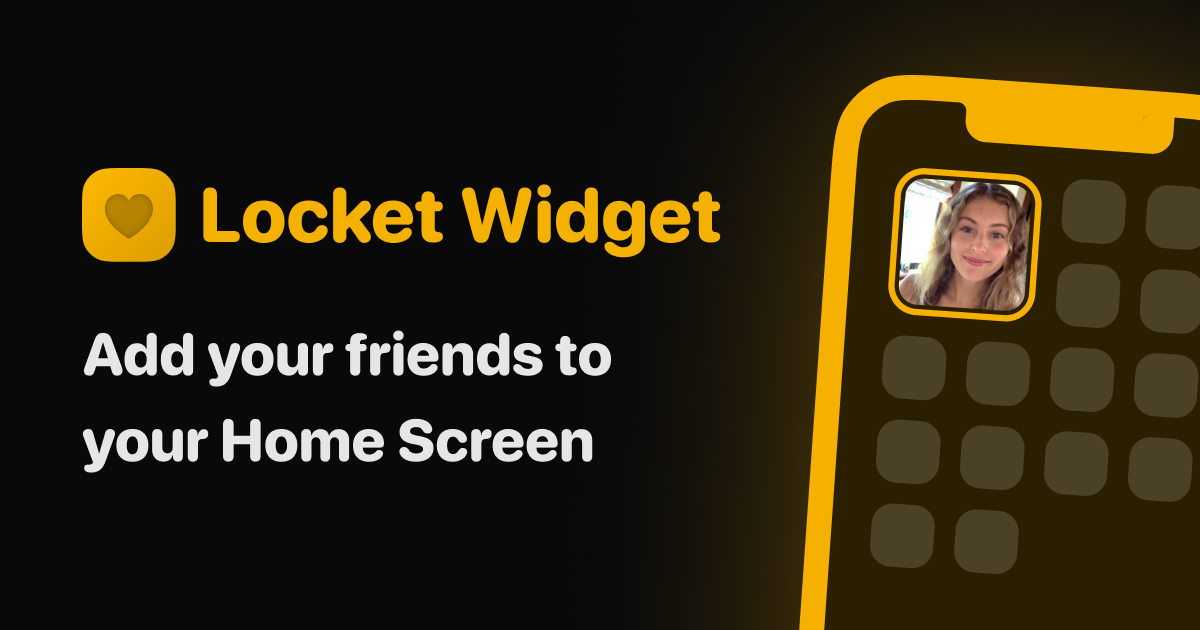
Locket Widget is a unique tool that brings a personal touch to your smartphone’s home screen. By allowing you to add photos of your friends and family directly to your device, Locket Widget transforms your screen into a dynamic and interactive photo album. This simple yet innovative app is perfect for anyone looking to keep their loved ones close at hand, whether you're a parent wanting to see your children's latest pictures or a friend who wants to share moments from a recent trip.
One of the key strengths of Locket Widget is its ease of use. The web-based platform ensures that you can access and manage your photos from any device with an internet connection. Friends and family can also contribute to your widget, making it a collaborative way to stay connected. The widget updates in real-time, so you can always see the most recent photos without having to open a separate app or navigate through folders. This seamless integration into your daily routine makes Locket Widget a valuable addition to your digital life.
However, like any tool, Locket Widget has its limitations. Since it is web-based, you need an active internet connection to update and view photos. Additionally, the privacy and security of shared photos depend on the settings configured by the users. It's important to ensure that only trusted individuals have access to your widget to avoid any unintended sharing. Despite these considerations, the app remains a practical and heartfelt solution for keeping cherished memories front and center on your device.
Common use cases for Locket Widget include parents sharing photos of their children with grandparents, couples staying connected while apart, and friends sharing travel memories. Whether you're looking to brighten your day with a quick glance at your home screen or want to foster a sense of community among your loved ones, Locket Widget offers a simple and effective way to do just that.