Capture your ideas with Microsoft OneNote online. Organize notes, clip web content, and collaborate with others from any...
Overview
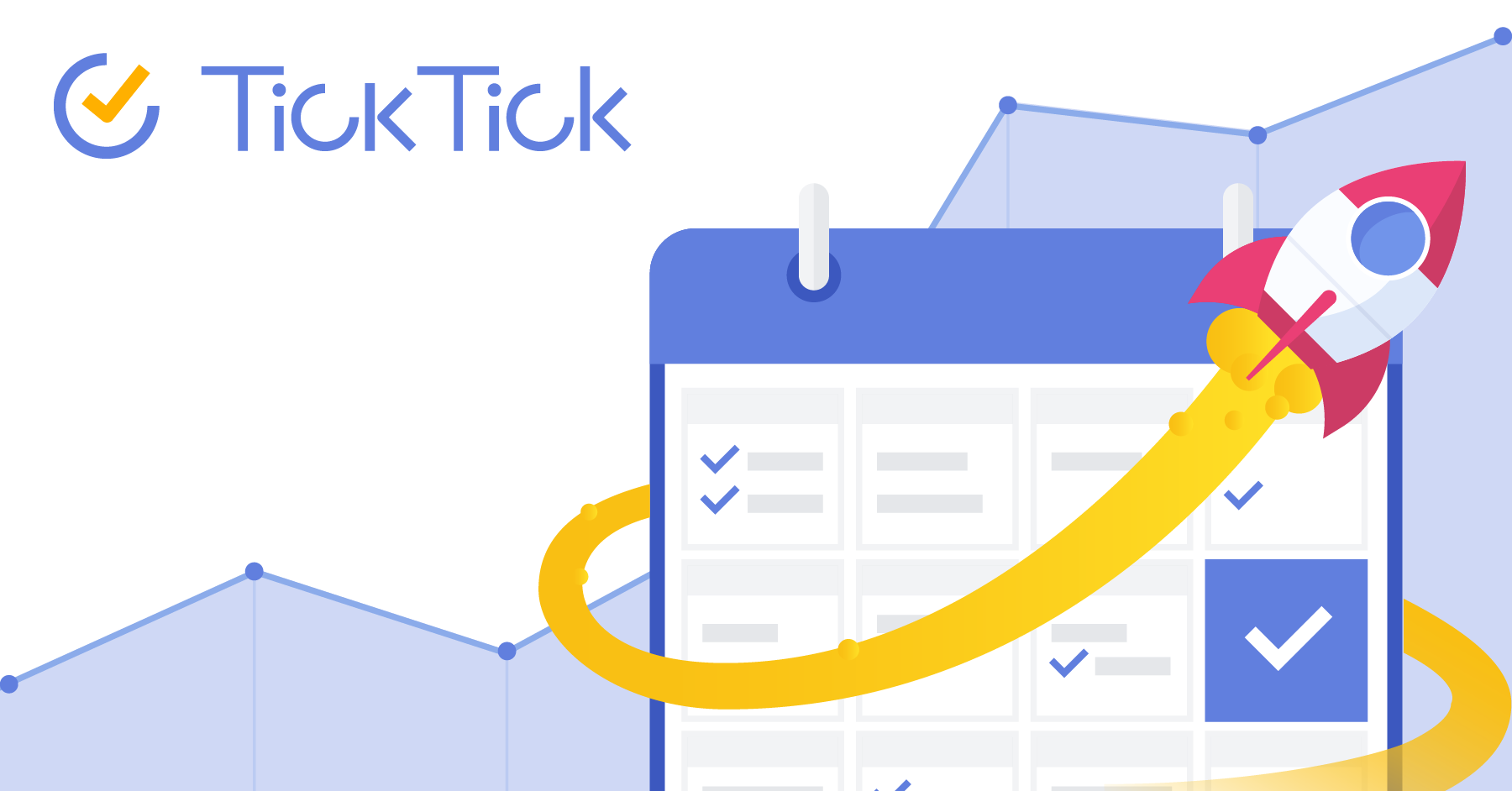
TickTick is an all-in-one productivity app designed to streamline your daily tasks, manage your calendar, track habits, and keep you organized across multiple devices. Whether you're a busy professional, a student juggling multiple projects, or someone looking to stay on top of personal goals, TickTick offers a comprehensive suite of features to help you stay focused and productive.
One of the key strengths of TickTick is its versatility. The app allows you to create and manage tasks with detailed subtasks, set reminders, and prioritize items using labels and tags. The built-in calendar view provides a clear overview of your schedule, making it easy to plan your day, week, or month. For those working on long-term projects, the Kanban board feature offers a visual way to track progress and move tasks through different stages. Additionally, the habit tracker helps you build and maintain positive routines by providing daily check-ins and streak counters.
While TickTick is a powerful tool, it does have some limitations. The free version offers a robust set of features, but advanced functionalities like custom fields, time tracking, and project management templates are available only in the premium plans. Users might also find the initial setup and navigation a bit overwhelming due to the app's extensive features, although the intuitive interface and helpful tutorials make it easier to get started.
Common use cases for TickTick include managing personal to-do lists, organizing work projects, planning events, and tracking fitness goals. It is particularly useful for individuals who need a centralized platform to handle various aspects of their lives. Whether you're coordinating a team project, preparing for exams, or simply trying to stay organized, TickTick provides the tools you need to stay on track and achieve your goals.